Meet FTMate: Your 24/7 AI Assistant for Smarter Funded Trading
Meet FTMate, the new FTM AI Assistant. Compare programs, check your drawdown and payout status, use built-in trading calculators and get answers in seconds, 24/7, by text or voice.
Funded Trader Markets is taking the next step in the trader experience with the launch of FTMate, your own FTM AI Assistant. Whether you are thinking about buying a challenge, managing an evaluation, or already trading a funded account, FTMate gives you a faster way to find the information you need. Instead of searching through long rule pages or waiting for support, traders can simply ask a question and get an answer in seconds, 24/7.
Before You Buy: Understand the Program Before You Trade It
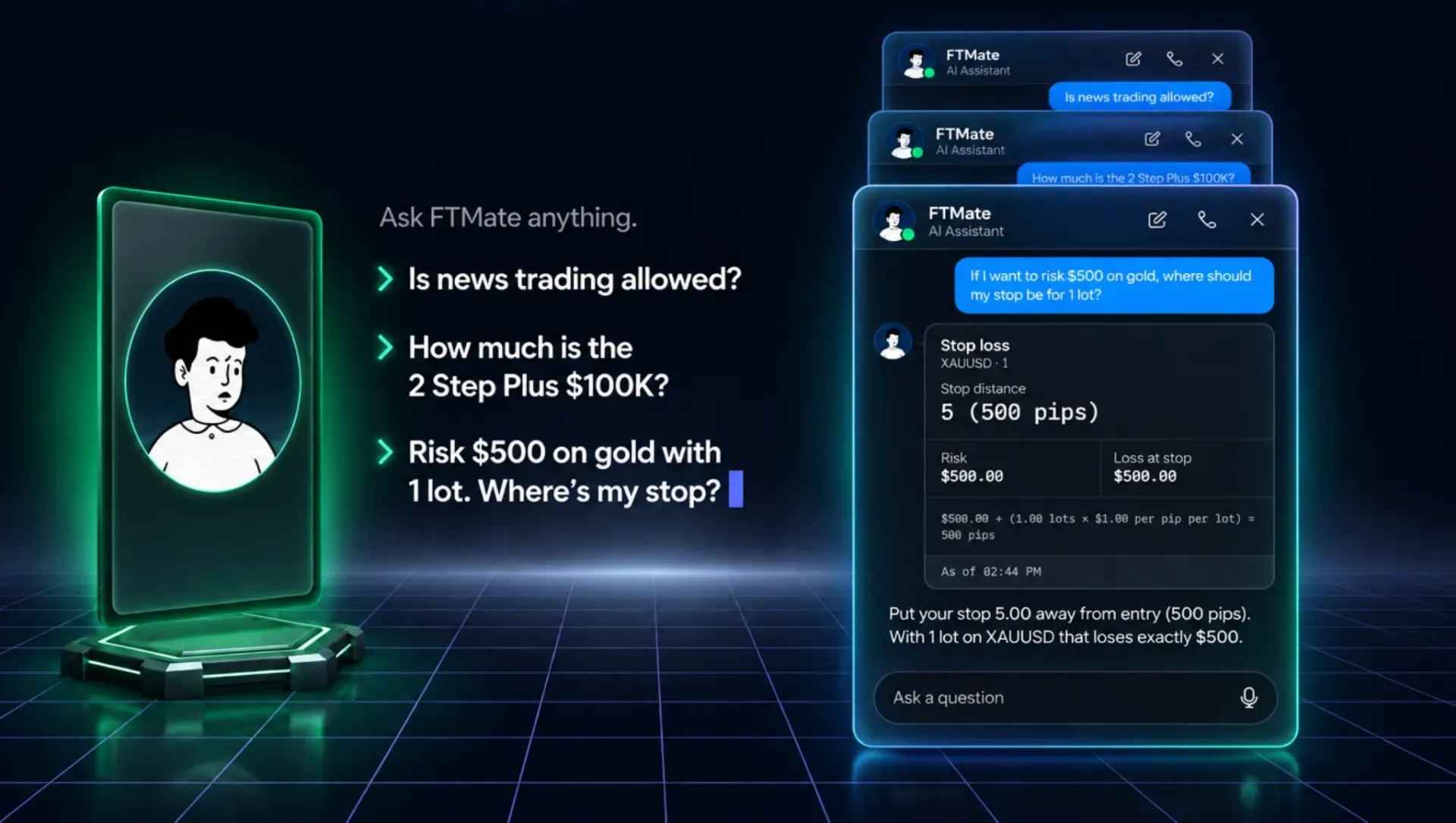
Choosing the right prop firm account should start with understanding the rules. FTMate makes that process easier by bringing important FTM information into one conversation.
You can ask questions about FTM's programs, rules, pricing, and account conditions in plain English. FTMate can also provide the source behind its answers, helping traders verify the information directly.
You can use it to compare programs side by side, including:
- Account sizes and current prices
- Profit targets and drawdown
- Consistency requirements
- Minimum trading days
- Profit splits
- Current discounts
- Other important program rules
FTMate also includes built-in calculators for common trading questions. For example, if you know your account size, entry price, stop loss, and risk percentage, you can use the position-size calculator to understand the position size before entering a trade. Other calculators cover P&L, margin, stop loss, and the consistency rule.
This means traders can spend less time searching for information and more time understanding what they are actually signing up for.
Once You're Funded, FTMate Becomes Even More Useful
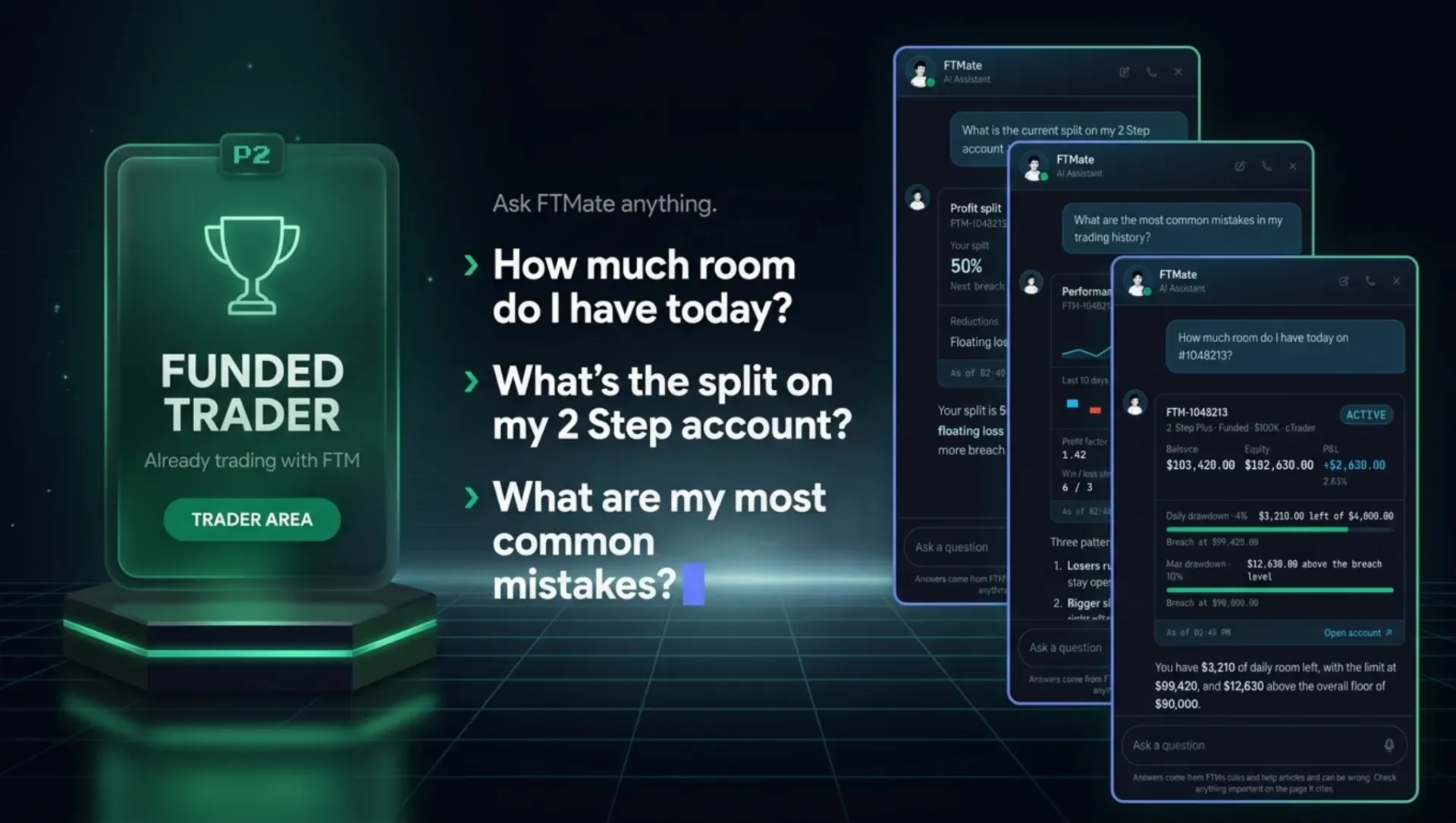
After you have an account, FTMate becomes part of your Trader Area and can work with your own account information. Instead of opening different pages to check your balance, equity, P&L, drawdown, trading days, or payout status, you can simply ask FTMate.
For example, a trader could ask:
- How much drawdown do I have left today?
- How close am I to my profit target?
- Can I request a payout now?
FTMate can provide the relevant information based on that trader's account.
It can also check important account conditions, including minimum hold time, sequential trading, hedging, and other applicable rules. Traders can review payout history, their current profit split, certificates, KYC status, and contract status without having to search through multiple sections of the Trader Area.
For a prop firm trader, this can be especially useful when managing multiple accounts. Instead of manually checking every account, FTMate gives you a simple way to understand where each account currently stands.
Real Numbers, Not Generic AI Answers
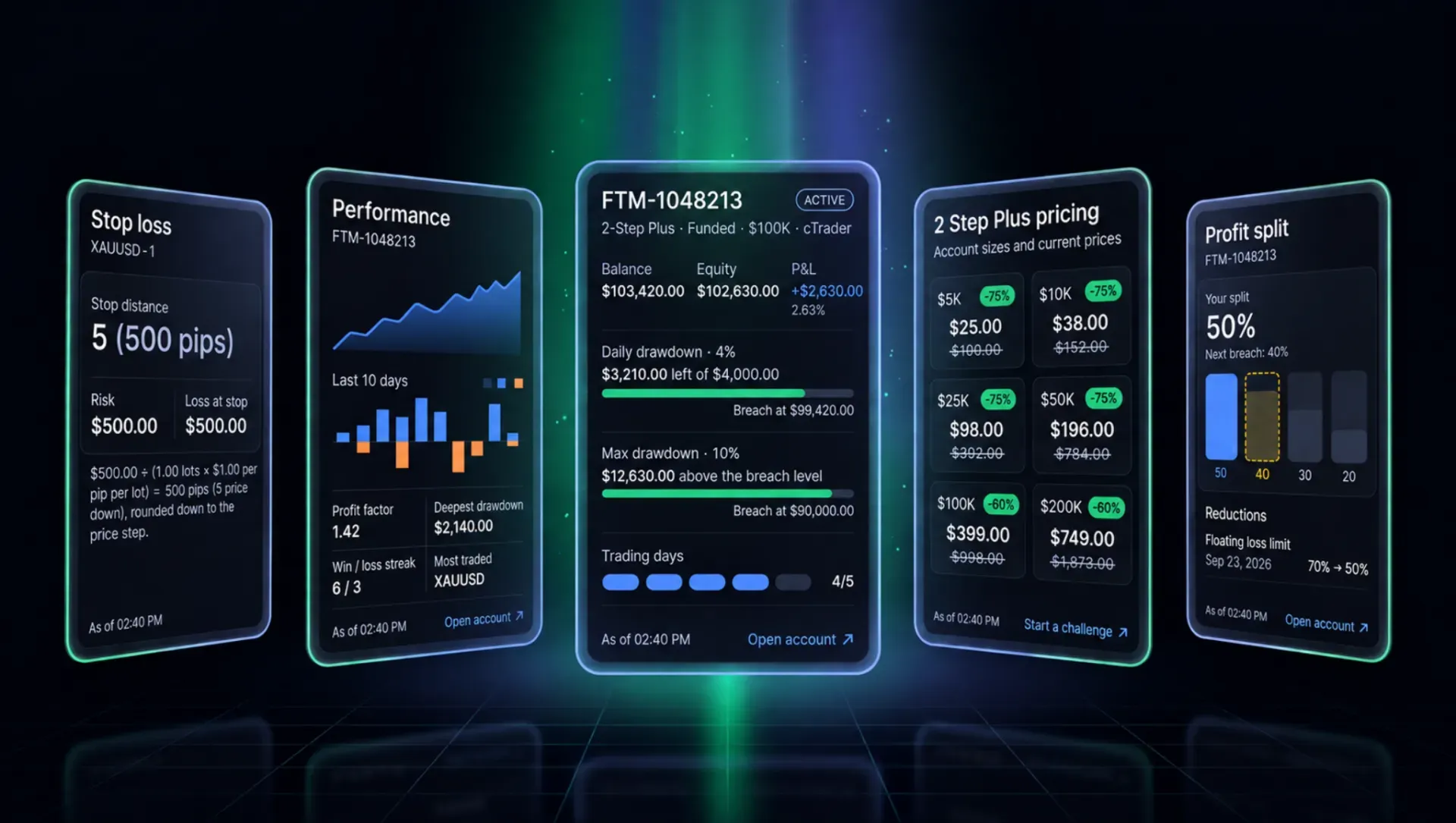
One of the key differences with FTMate is that its answers are designed around real FTM information and real account data.
The assistant can display information through visual answer cards, making important figures easier to understand. Prices, program comparisons, drawdown meters, profit-split ladders, and calculator results can appear directly inside the conversation.
For example, instead of explaining your remaining drawdown only through text, FTMate can show the relevant figure clearly. This makes it easier to understand your account status at a glance.
The same applies when comparing programs. Rather than opening several pages and writing down different account conditions, traders can ask FTMate to compare them and see the relevant figures together.
Ask FTMate With Your Voice
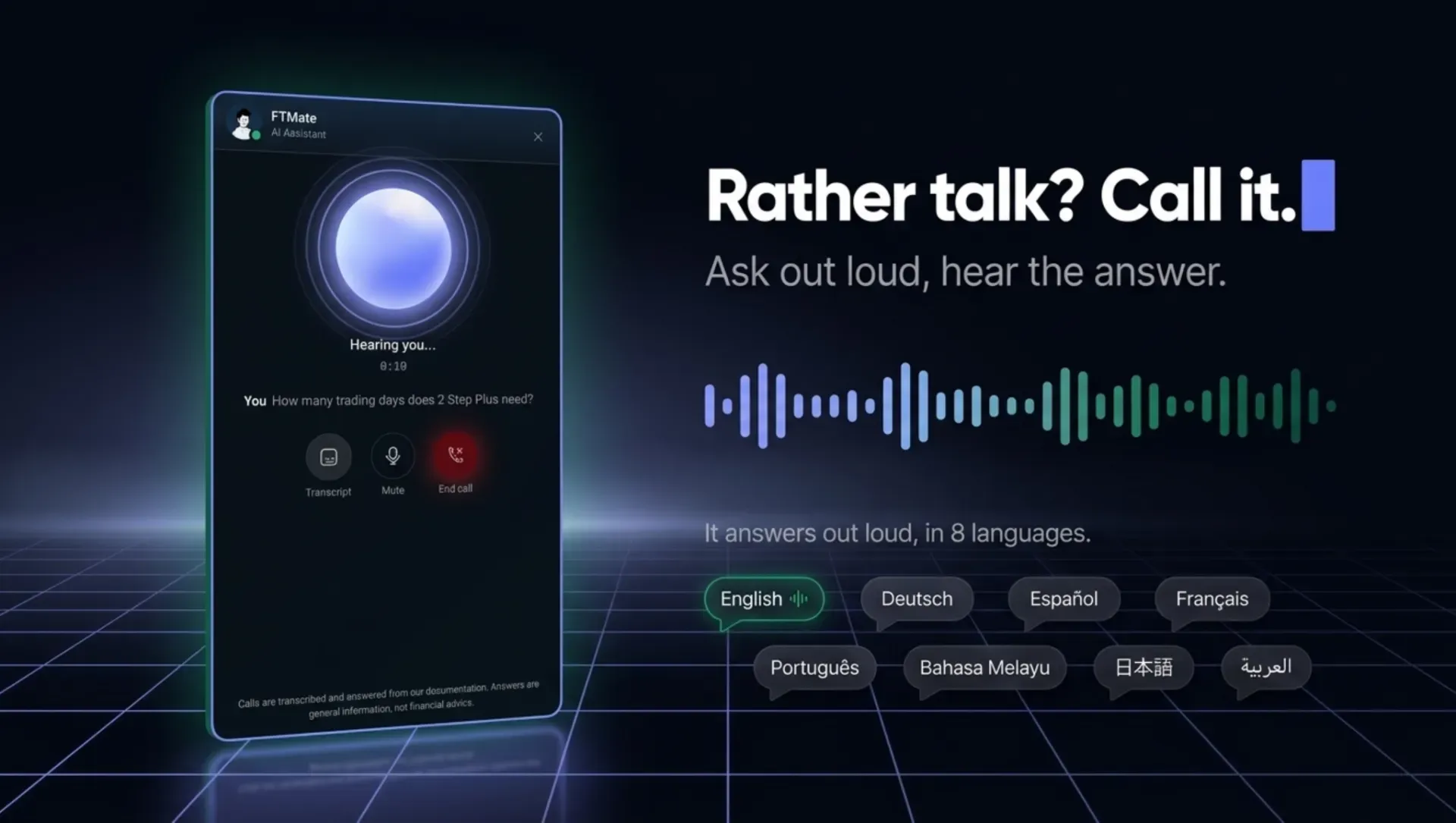
Trading questions do not always need to be typed. FTMate also supports voice calls, allowing traders to tap the call option, ask their question out loud, and hear the answer. A live transcript is available during the conversation, and the feature also works on the website.
This can be useful when you are away from your computer or simply want a faster way to ask a question. FTMate is also available in multiple languages, including:
- English
- Deutsch
- Español
- Français
- Português
- Bahasa Melayu
- 日本語
- العربية
This makes the FTM Trader Area more accessible to traders around the world.
Your Information Stays Yours
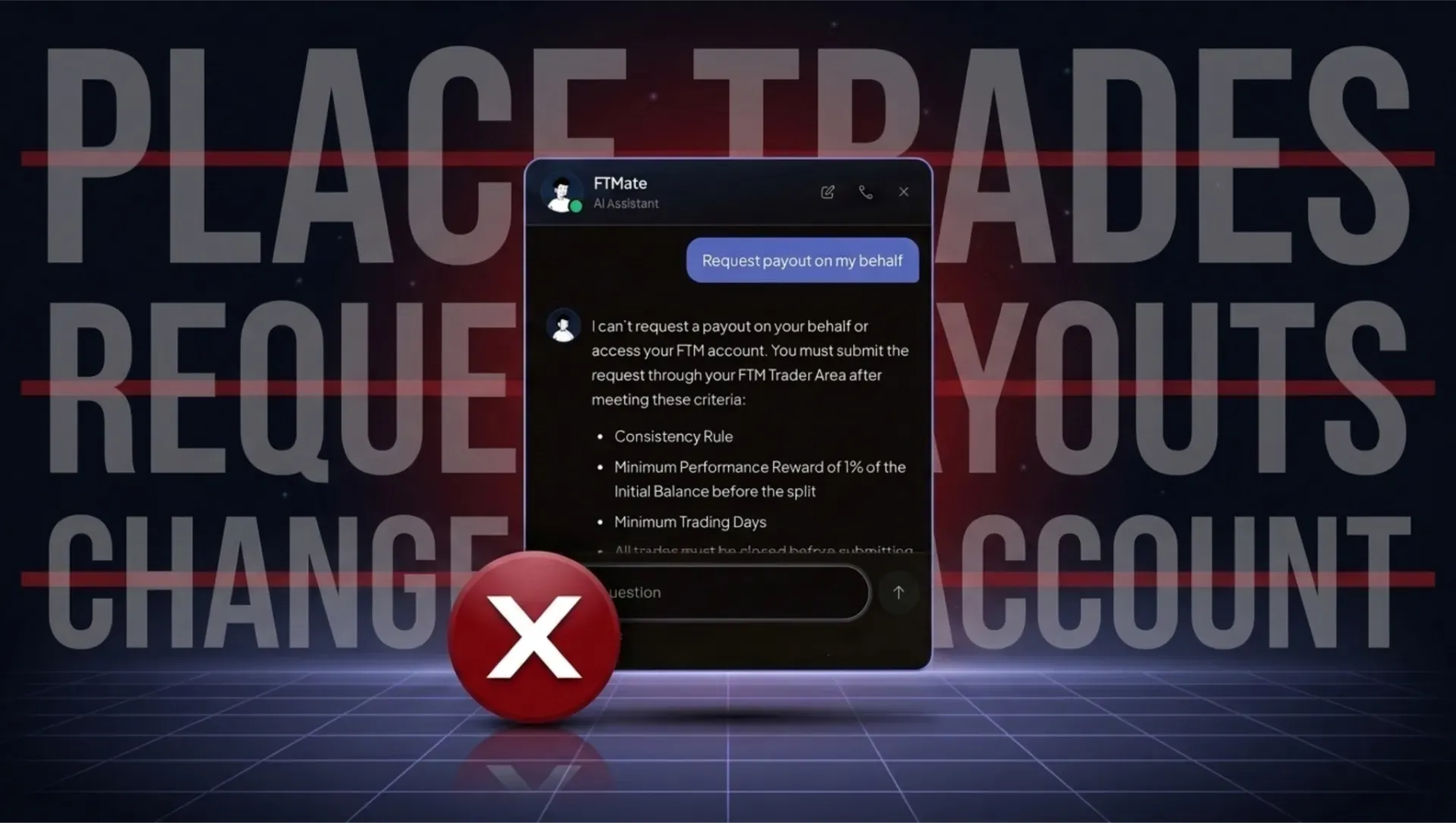
FTMate is designed to work with your information and your information only. It will not provide information about another trader at Funded Trader Markets. It also does not place trades, request payouts, or change your account.
In other words, FTMate is an assistant for information and account visibility, not an automated trading system. You remain in control of your trading decisions, your account, and your actions.
A Simpler Way to Navigate Prop Firm Trading

Prop firm trading involves more than finding an entry on a chart. Traders need to understand drawdown, profit targets, trading rules, payouts, consistency requirements, and account conditions. Sometimes, finding a simple answer can take longer than it should.
FTMate was built to make that process easier.
Whether you are researching your first FTM account, checking the rules before placing a trade, monitoring your drawdown during an evaluation, or checking whether your account is ready for a payout, you can simply ask.
FTMate is available now on the Funded Trader Markets website and inside your Trader Area. Go to Funded Trader Markets, open FTMate, and ask your question. Your FTM AI Assistant is available 24/7.
Olivier Bertin, Trading Education Editor
Olivier leads FTM's educational content, working with the analyst team to translate complex trading concepts into actionable lessons. He oversees the blog's editorial direction and the curation of trader success stories, drawing on conversations with FTM's funded traders across regions. His focus is the journey from evaluation to consistent payouts: the practical habits, mindset shifts, and program-specific decisions that distinguish funded traders from those who stall at the evaluation phase.
Continue exploring News & Announcements

Macroeconomic Outlook: The Data Point That Could Reset Market Expectations

Funding Pips US Clients 2026: Eligibility, Restrictions & Alternatives